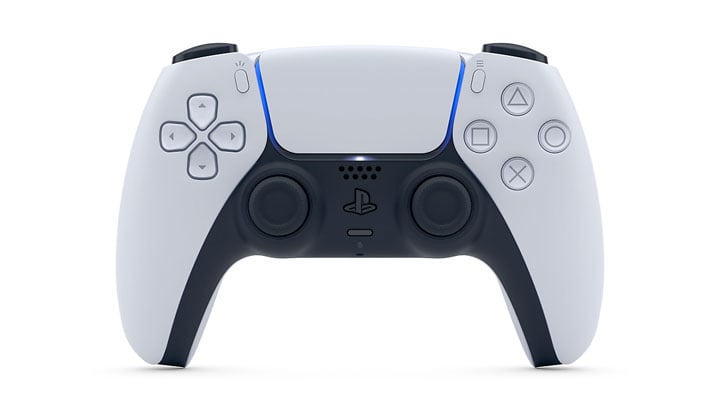
DualSense Firmware Updater is an official tool by Sony.
Improve the performance of your DualSense wireless controller by updating the firmware. Always update to the latest version before use. To update the firmware, use a Windows PC and the app .
If it’s your first time updating the firmware, you need to install the app on your Windows PC. The next time you need to update the firmware, start from step 3.
1.
Download [Firmware updater for DualSense wireless controller] and save it to your desktop or other location.
Download
App subject to end user license agreement.
2.
Run the installation file, and then follow the on-screen instructions to install the app.
During the installation, you might see a request to download additional software that’s needed to use [Firmware updater for DualSense wireless controller]. To download this software, follow the on-screen instructions.
3.
Launch [Firmware updater for DualSense wireless controller].
4.
Use a USB cable to connect your controller to your Windows PC, and then follow the on-screen instructions to start the update.
Don’t turn off your Windows PC or disconnect the USB cable during the update.
When the update is complete, a message appears. Select [OK] to finish the process.
- Last update: Sunday, November 27, 2022
- File size: 3.7 MB